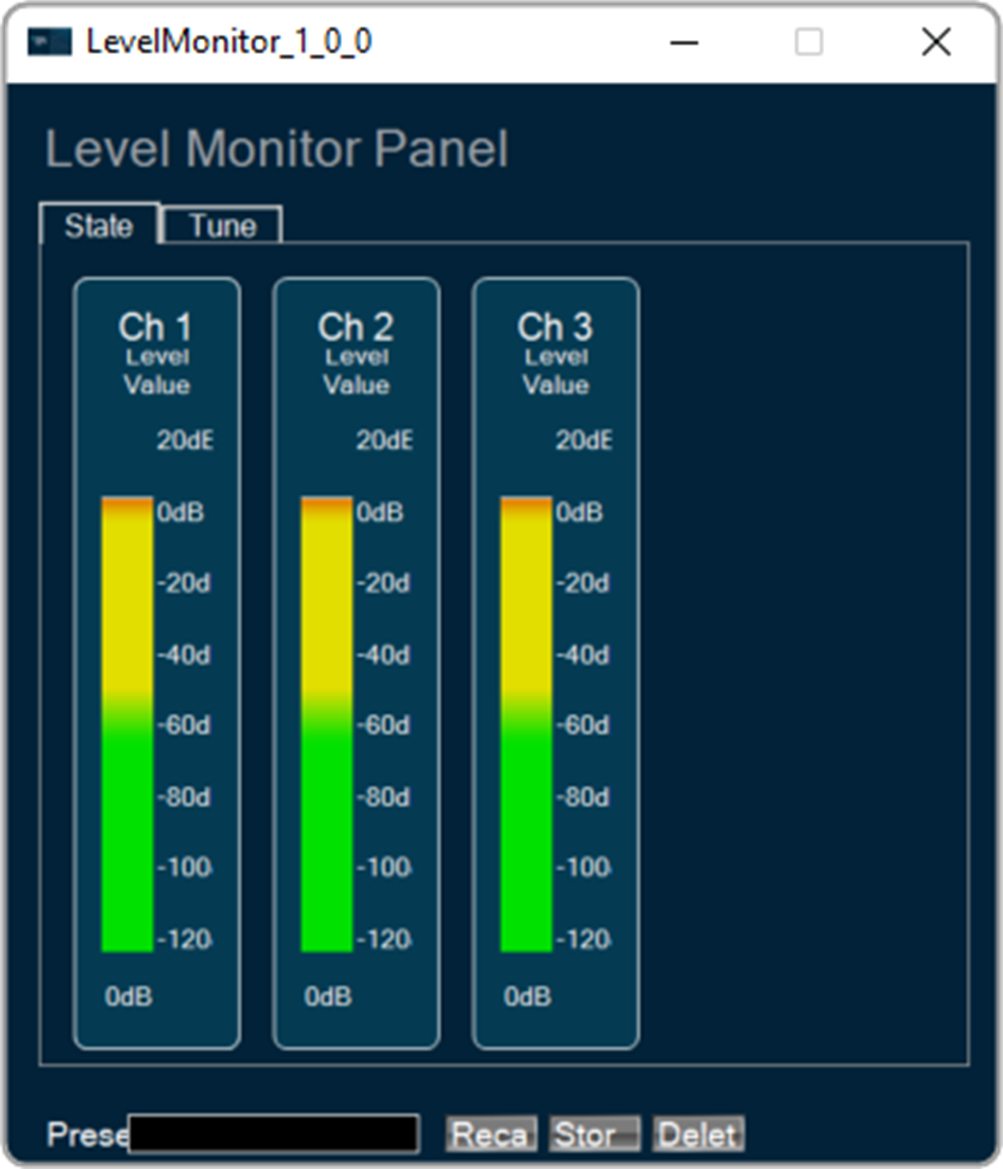
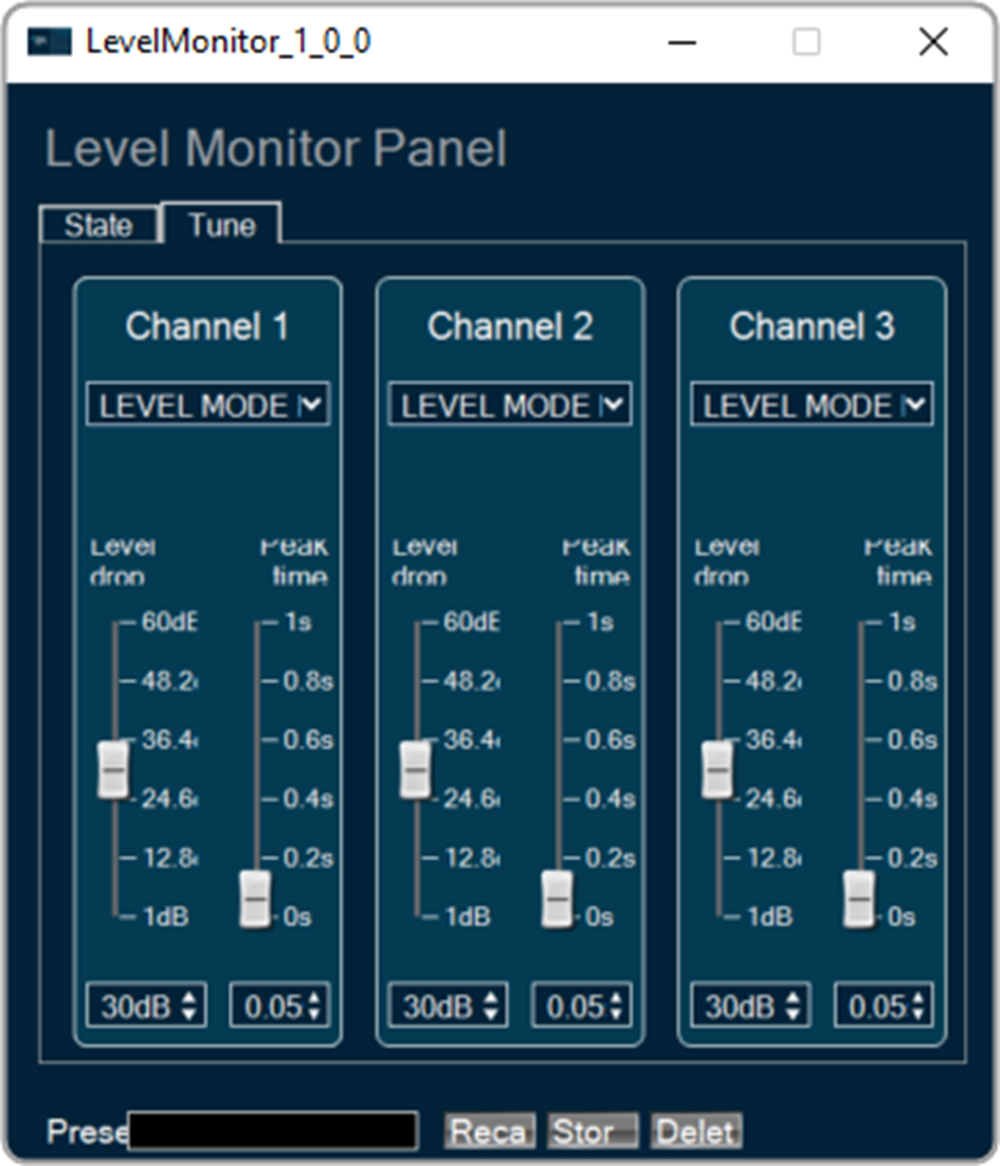
The Level Monitor is intended to measure the level of the signal on its input; the audio samples are sent to the output of the object unchanged.
This object can be deployed in Level Monitor mode whenever there is a need to measure level of volume and in Clip Meter mode to check if the level is causing clipping. The same input is sent as output without modification.
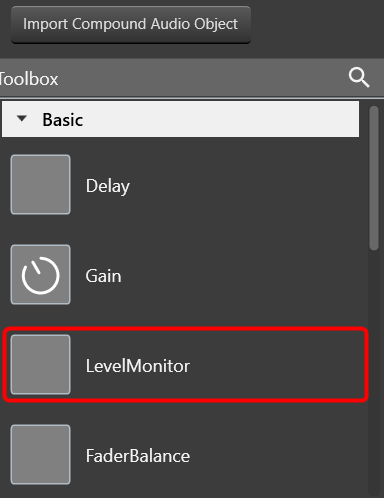
The AO supports in-place computation based on the core type.
Parameters
During design time, the audio object channel can be configured, and there are two main operation modes:
- Level Monitor: Rms level per channel in dB [-120:20]
- Clip Meter: Clip Indicator per channel based on the tuned threshold parameter [0:1]
The number of control outputs equals to the number of audio channels. Each control output writes out the channel level/clip indication value based on the MODE selected.
Level Monitor
There are three types of tuning parameters in the Level Monitor mode.
- LEVEL_MODE – selected type of measurement:
- RMS
- Linear
- Peak
- DB_LEAK_PER_SEC – amount of dB drop per second in peak level mode
- PEAK_HOLD_TIME – Amount of time peak is held
Tuning parameters
| Name | Description | Range | Default | Unit |
| LEVEL_MODE | Selected type of value leveling | 0, 1 or 2 | 0 | NA |
| DB_LEAK_PER_SEC | Amount of dB drop per second in Peak Level mode | 0 to 60 | 30 | dB |
| PEAK_HOLD_TIME | Amount of time peak is held | 0 to 1 | 0.05 | second |
Dynamic control or state write
| Name | Description | Range |
| LEVEL_VALUE | As many as input channel in number | Level value for particular channel |
Clip Meter
The Clip Meter mode has the following type of tuning parameter.
- Threshold – threshold value to treat a signal as being clipped [-20:20 dB]
– Tuning parameters
| Name | Description | Range | Default | Unit |
| Threshold |
Clipping threshold As many as input channel in number |
-20 to 20 | -0.25 | dB |
– Dynamic control or state write
| Name | Description | Range |
| Clip_Indicator | As many as input channel in number | Clip Indicator value for the particular channel. |
LevelMonitor Properties and Functionality
Details about object properties and functionality.
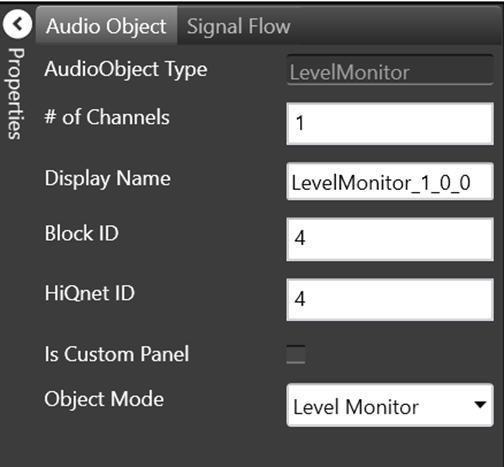
| Properties | Descriptions |
| # of Channels | Enter the number of channels. |
| Display Name | Name of the Level Monitor audio object. It can be changed based on the intended usage of the object. |
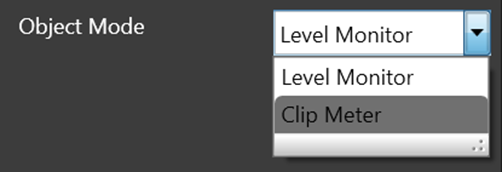
| Object Mode |
Level Monitor audio object operates in one of the following two modes.
|
Native Panel
Level Monitor audio object supports native panel. The native panel window consists of channel slider bars. The number of slider bars depends on the # of Channels property value.
To open the native panel, double-click on the LevelMonitor object in the SFD. Move the slider bars to configure the tune and state.